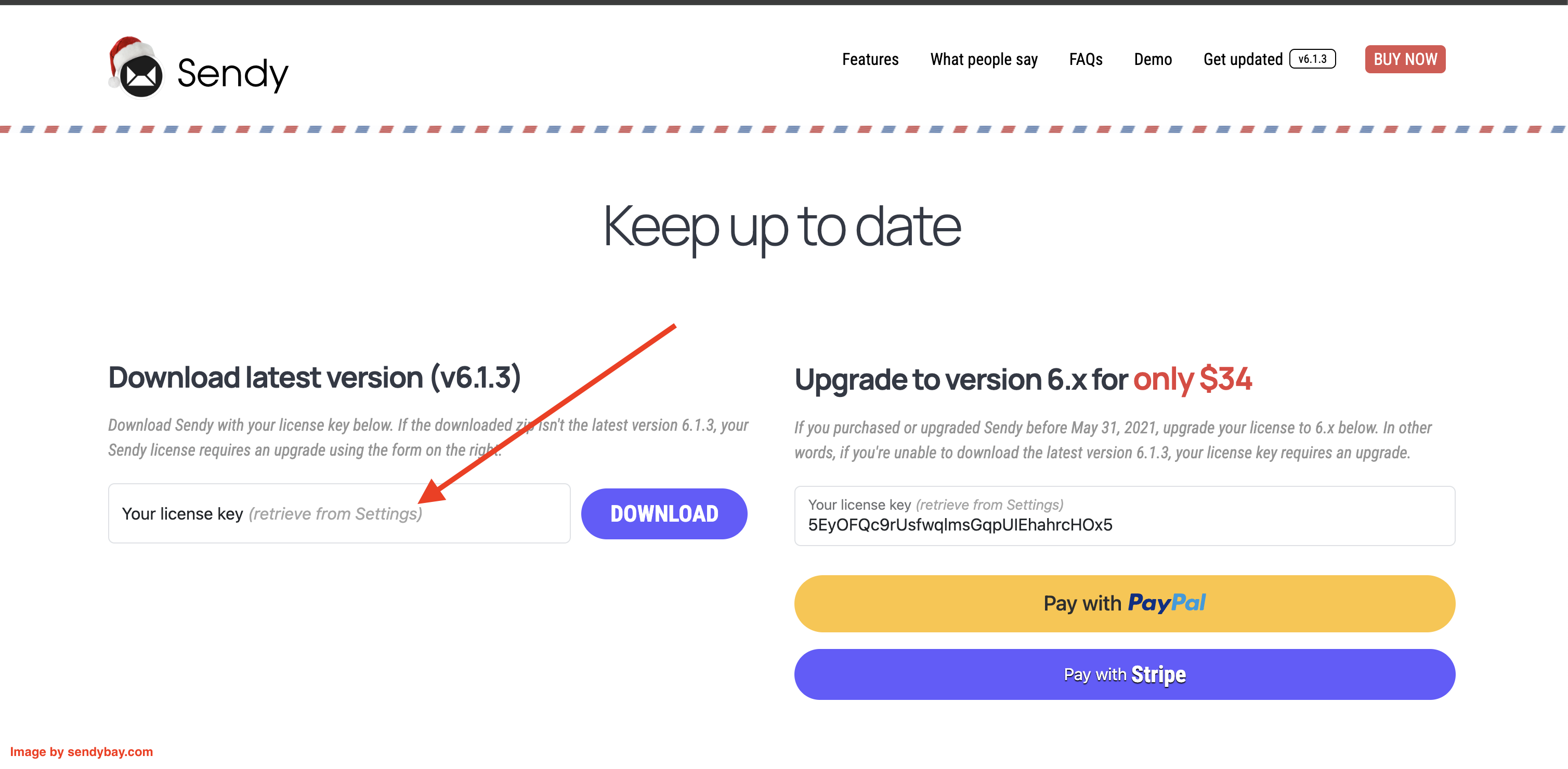
When you buy a Sendy license, it is attached to a particular version.
In order to check which version your Sendy license supports, follow the following steps
If your license is for version 5, that's the version that will be downloaded.